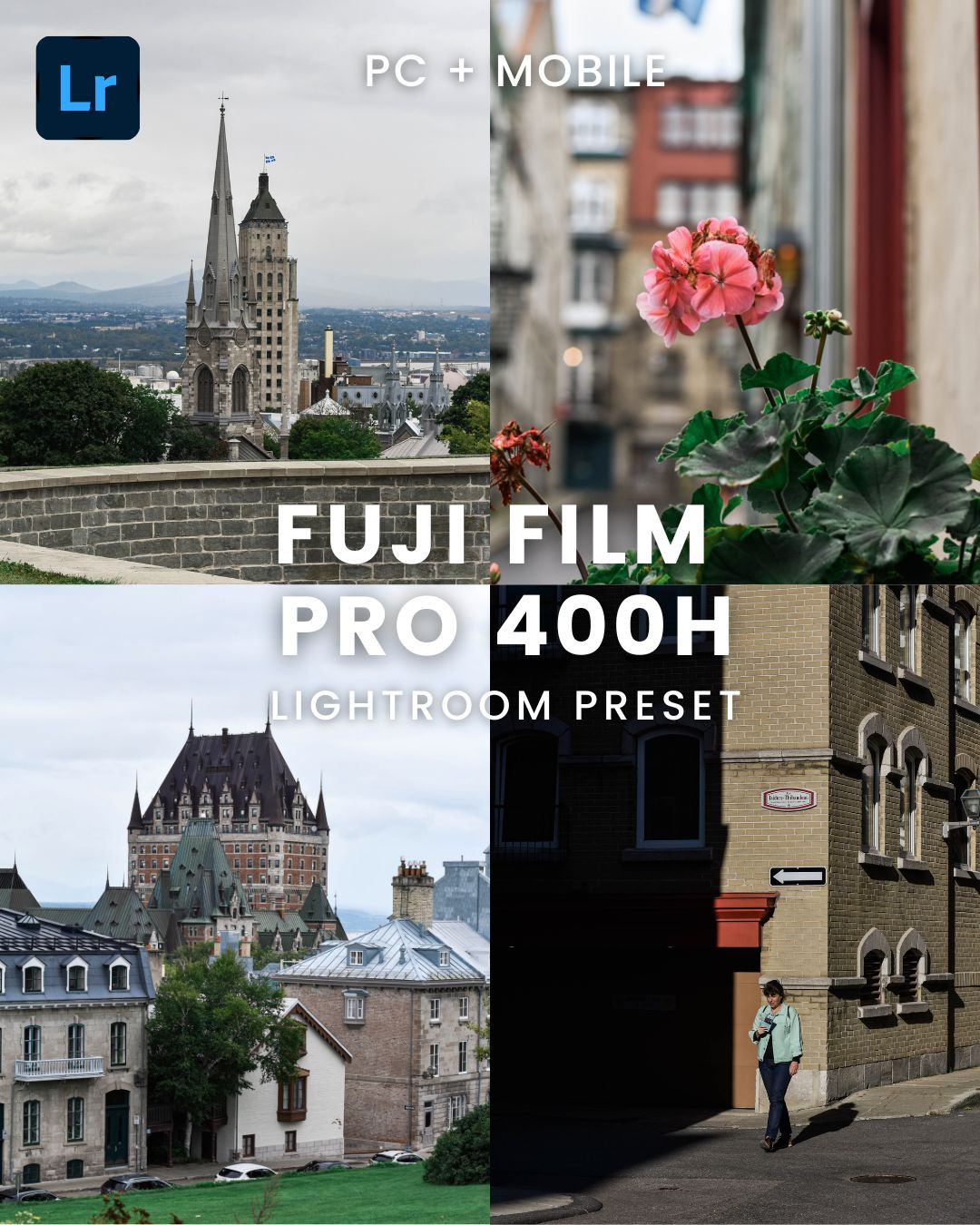
Fuji Film Pro 400H Preset
USD1.57
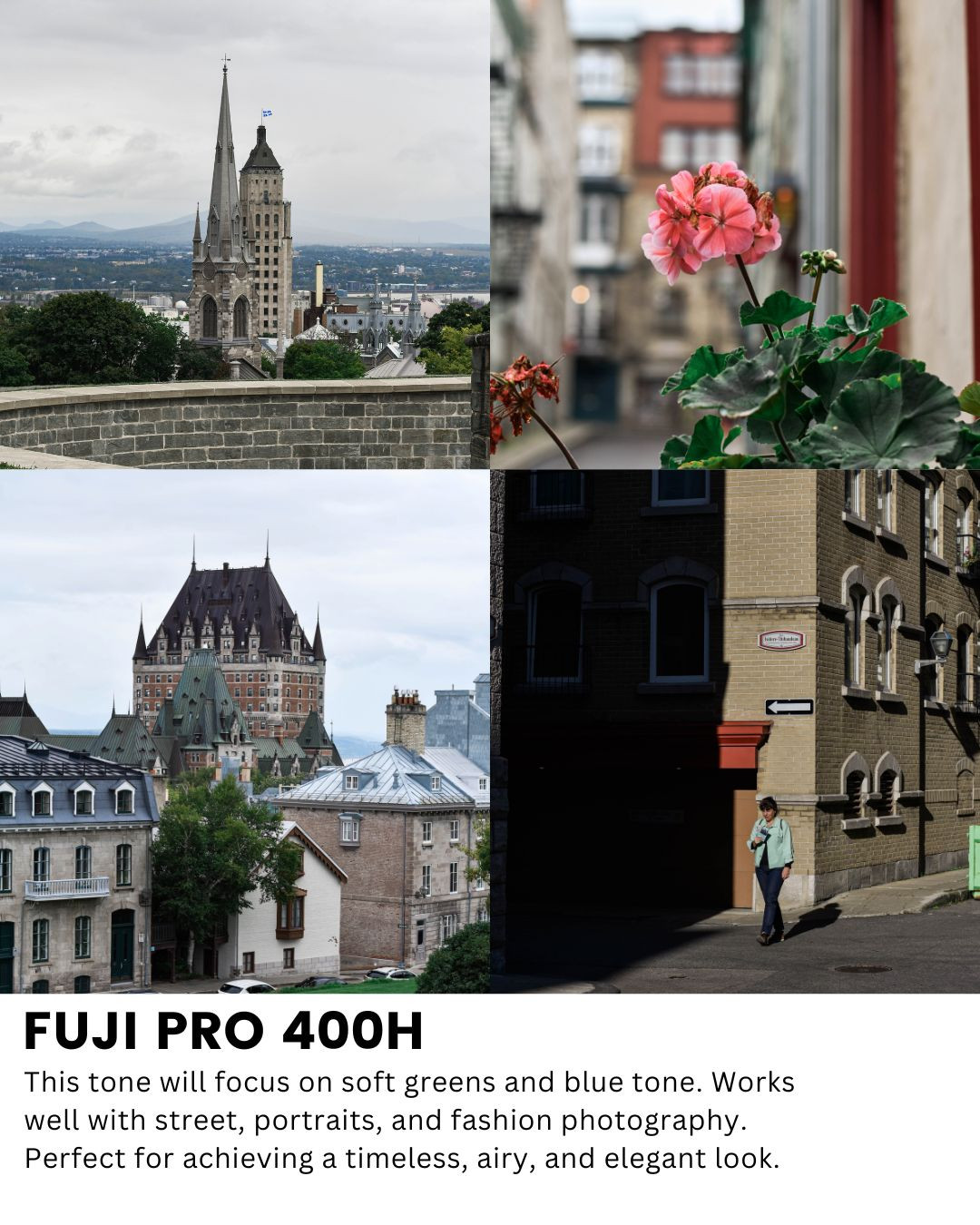
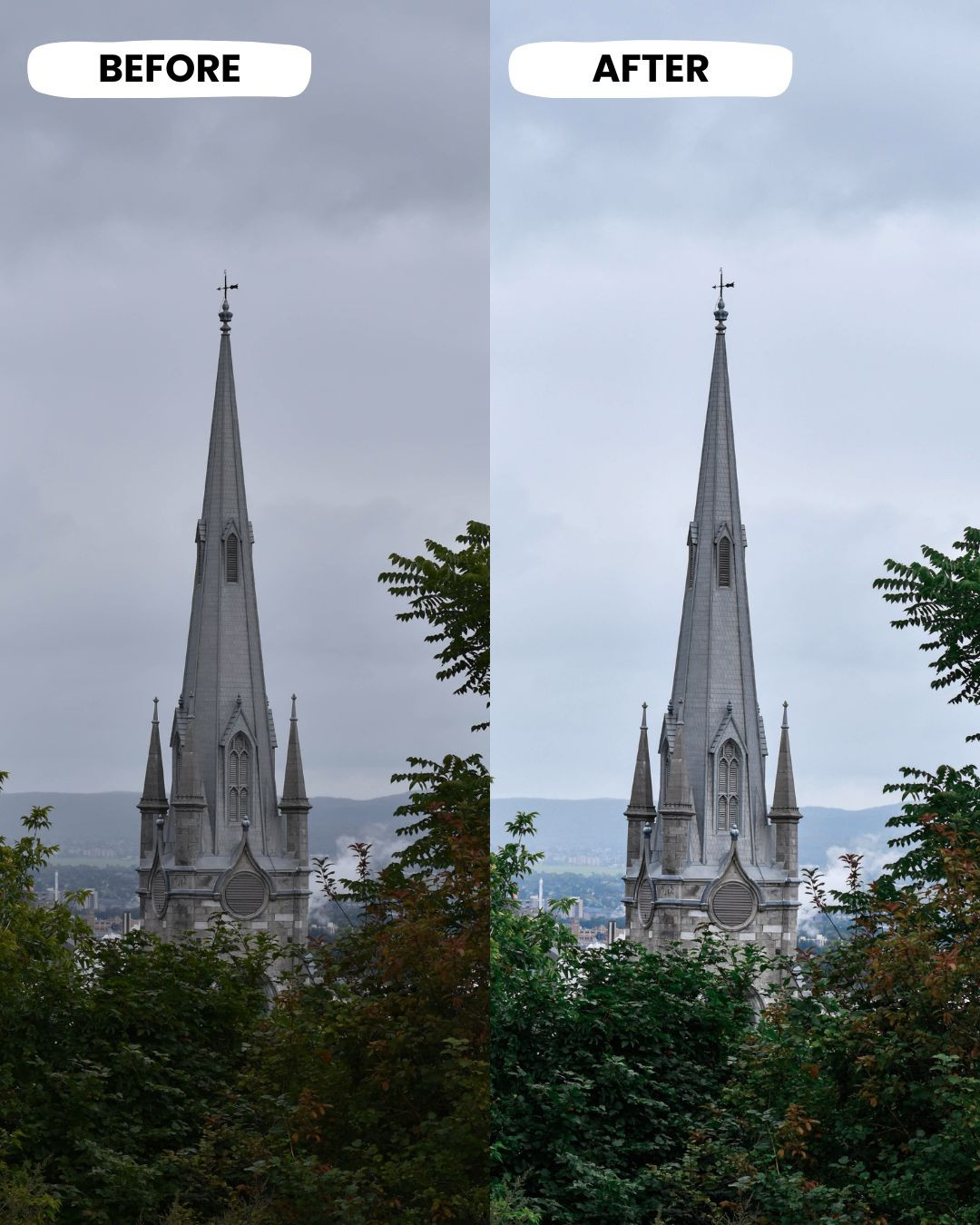
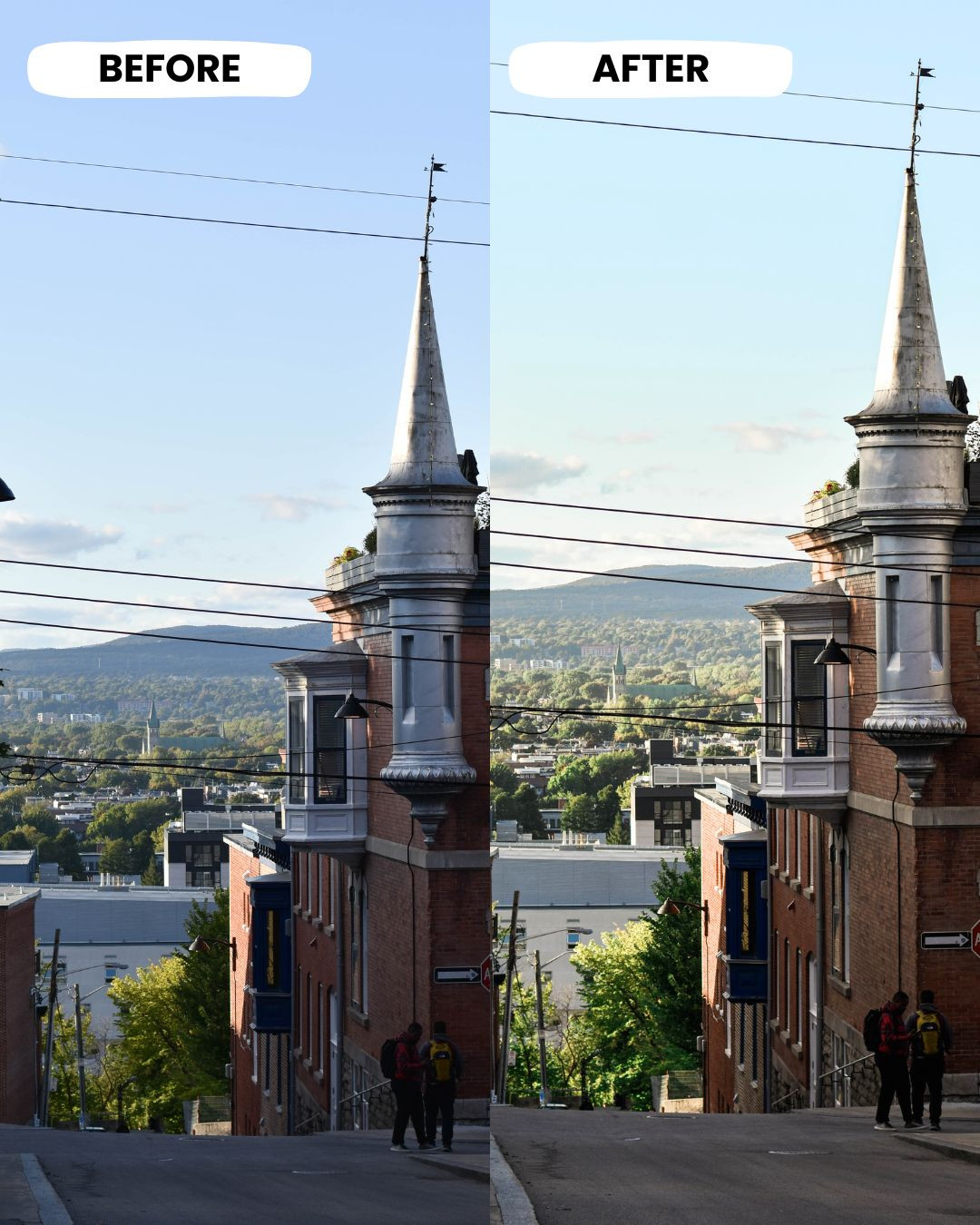
Fuji Film Pro 400H preset for desktop and mobile. This preset provides everything you need to achieve the iconic Fuji Film Pro 400H filter. This tone will focus on soft greens and blue tones. Works well with street, portraits, and fashion photography. Just adjust the exposure accordingly to your desire. Available now!
What you will get with the purchase
- 1 Lightroom desktop preset /.xmp - CC & Classic Version
- 1 Lightroom mobile preset /.dng file - Android & iOS
Compatibility
- FREE Lightroom App
- Lightroom CC and Classic
- Works on all Lightroom Versions
- Professional effect
- Easy to use
- Works with RAW, JPG, TIFF & DNG
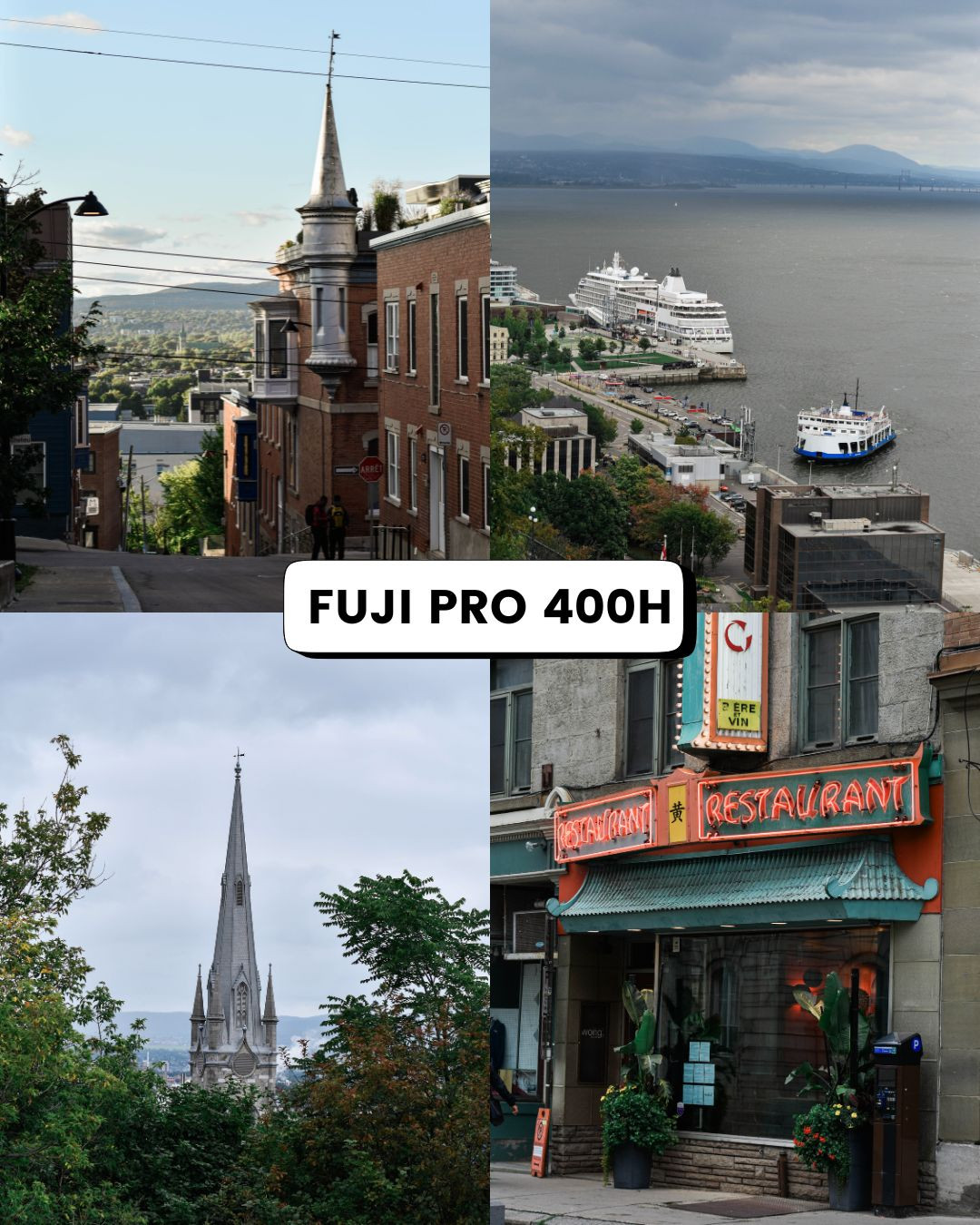
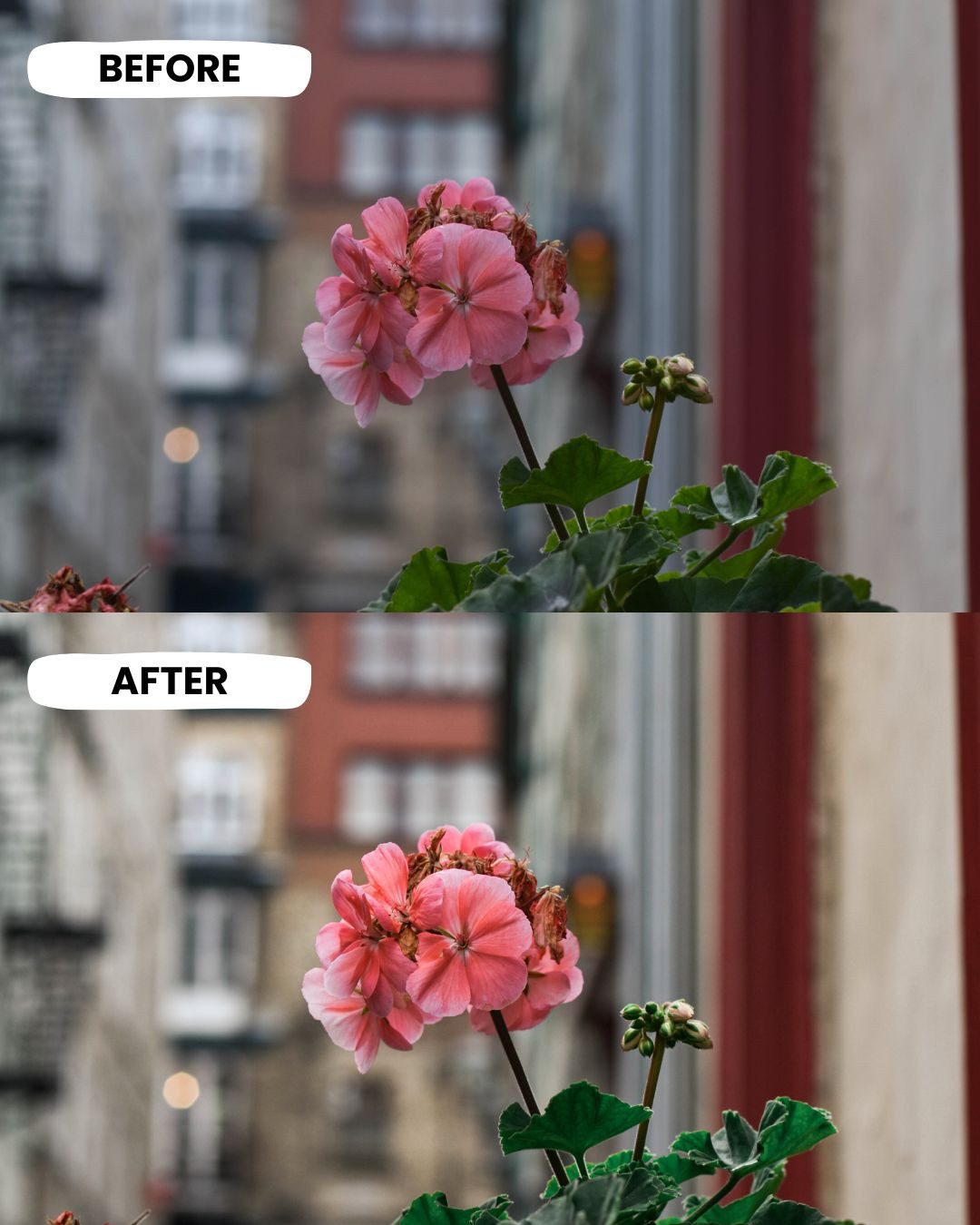
- These Presets are a great way to save time and produce consistent results when editing. With one click these will product results similar to those picture in the listings images
How to use Lightroom preset XMP file on desktop
- Open Lightroom and go to the Develop page
- Select the Presets tab in the left sidebar
- Click the + icon and select Import Preset
- Navigate to the preset file on your computer and click Import
How to use Lightroom preset DNG file on mobile
- Open the Lightroom app
- Tap Add Photos
- Select the location of the DNG file
- Select the DNG file to import
- Click the three dots in the corner
- Select Create Preset
- Name the preset
- Select Done
- Fuji Pro 400H.xmp 4.68 KB
- Fuji Pro 400H.dng 4.68 KB
How to Purchase
- Click “Buy” button
- Make payment
- Instantly receive access information in your email

More from

Kodak Portra 400 Preset
USD0.78
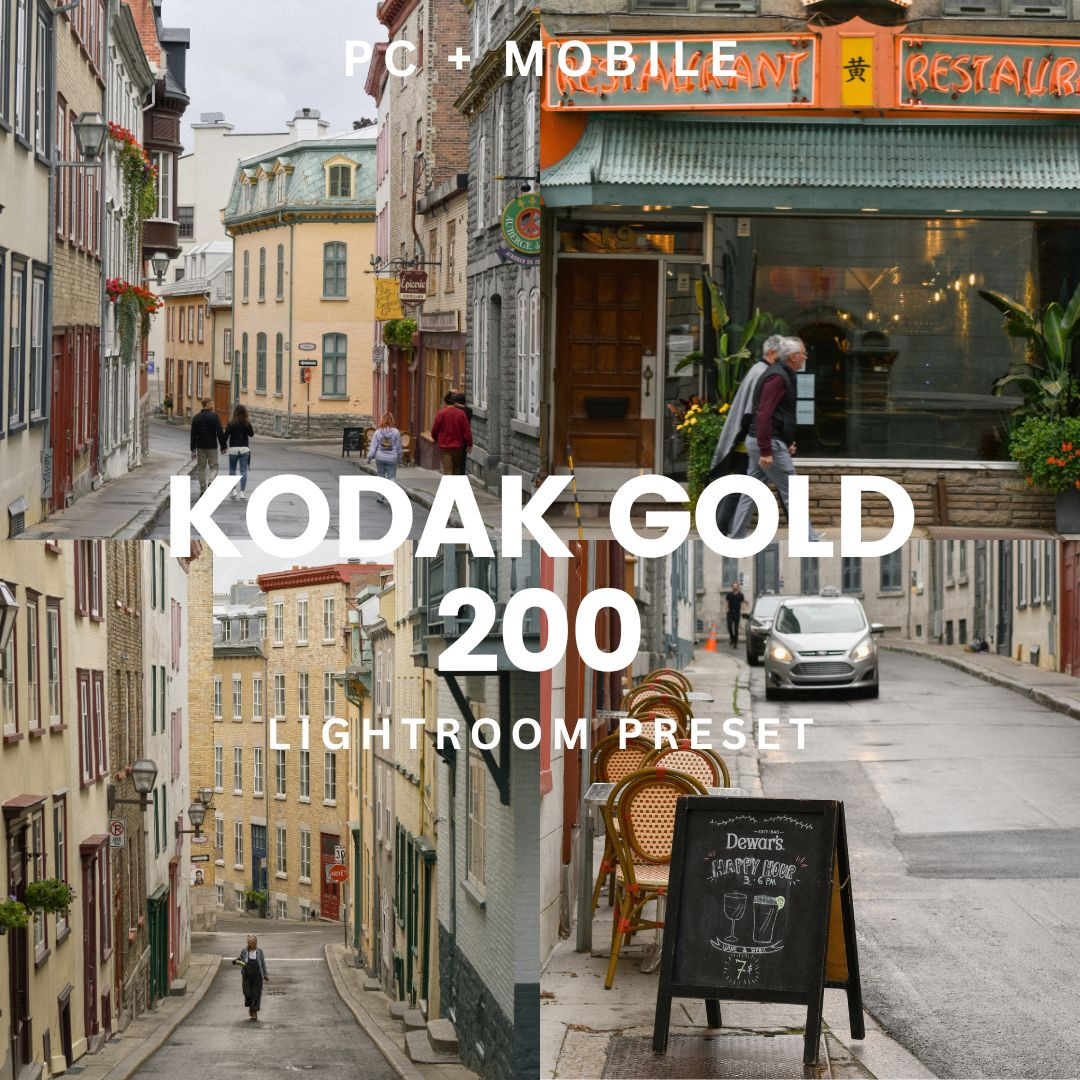
Kodak Gold 200 Lightroom Preset
USD112.8