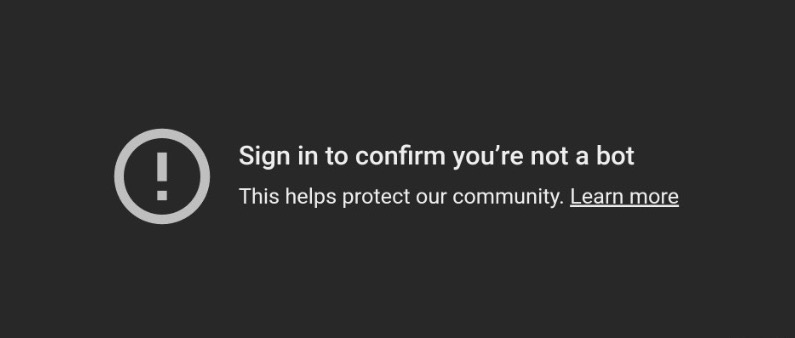
If you see “Sign in to confirm you’re not a bot“
Cause:
Your internet connection’s IP address is considered less secure by YouTube
There are 2 solutions
Solution #1
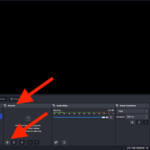
- In OBS or your streaming app (make sure it’s the latest version), create a new “Browser Source”, and fill it with the link: https://accounts.google.com
- Click “Interact” on that new “Browser Source”, then sign in to your Google account
- Then hide the “Browser Source” or move it to the bottom layer so it’s not visible
- Refresh your SociaBuzz page & run the “Test Alert” overlay Media Share again
Solution #2
- Install Cloudflare WARP on your computer (download link)
- After installation, enable Cloudflare WARP to obtain a trusted IP address
- Refresh your SociaBuzz page & run the “Test Alert” overlay Media Share again
Note: The downside of Solution #2 is that it can cause lag in the game you are playing