- Login to your SociaBuzz account
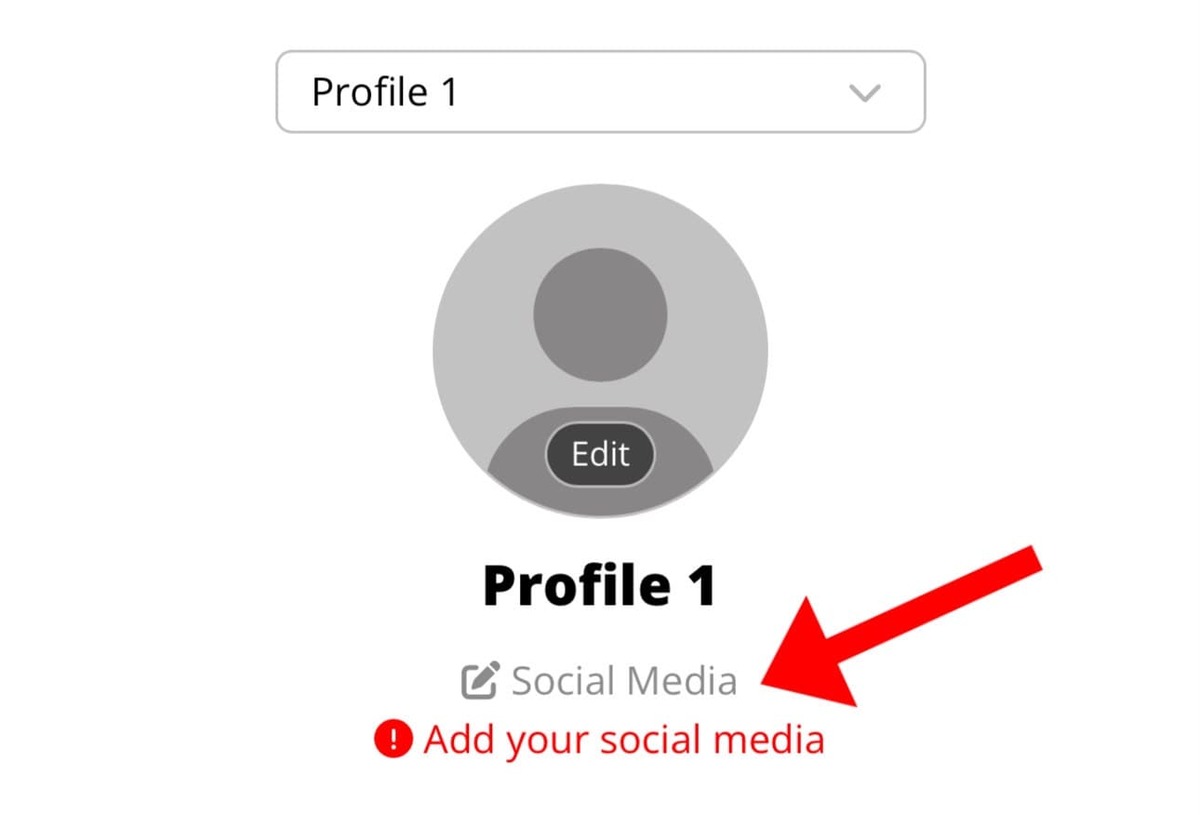
- Click “Social Media” under your profile name
- Fill in your social media links according to the columns
- Click “Done“
Correct format example:
- Instagram: https://instagram.com/YourUsername
- YouTube: https://youtube.com/YourUsername
- TikTok: https://tiktok.com/@YourUsername
- Facebook: https://facebook.com/YourUsername
- X (Twitter): https://x.com/YourUsername
- LinkedIn: https://linkedin.com/YourUsername
- Website: https://YourWebsite.com
Make sure the link is correct so your supporters can visit your social media directly.