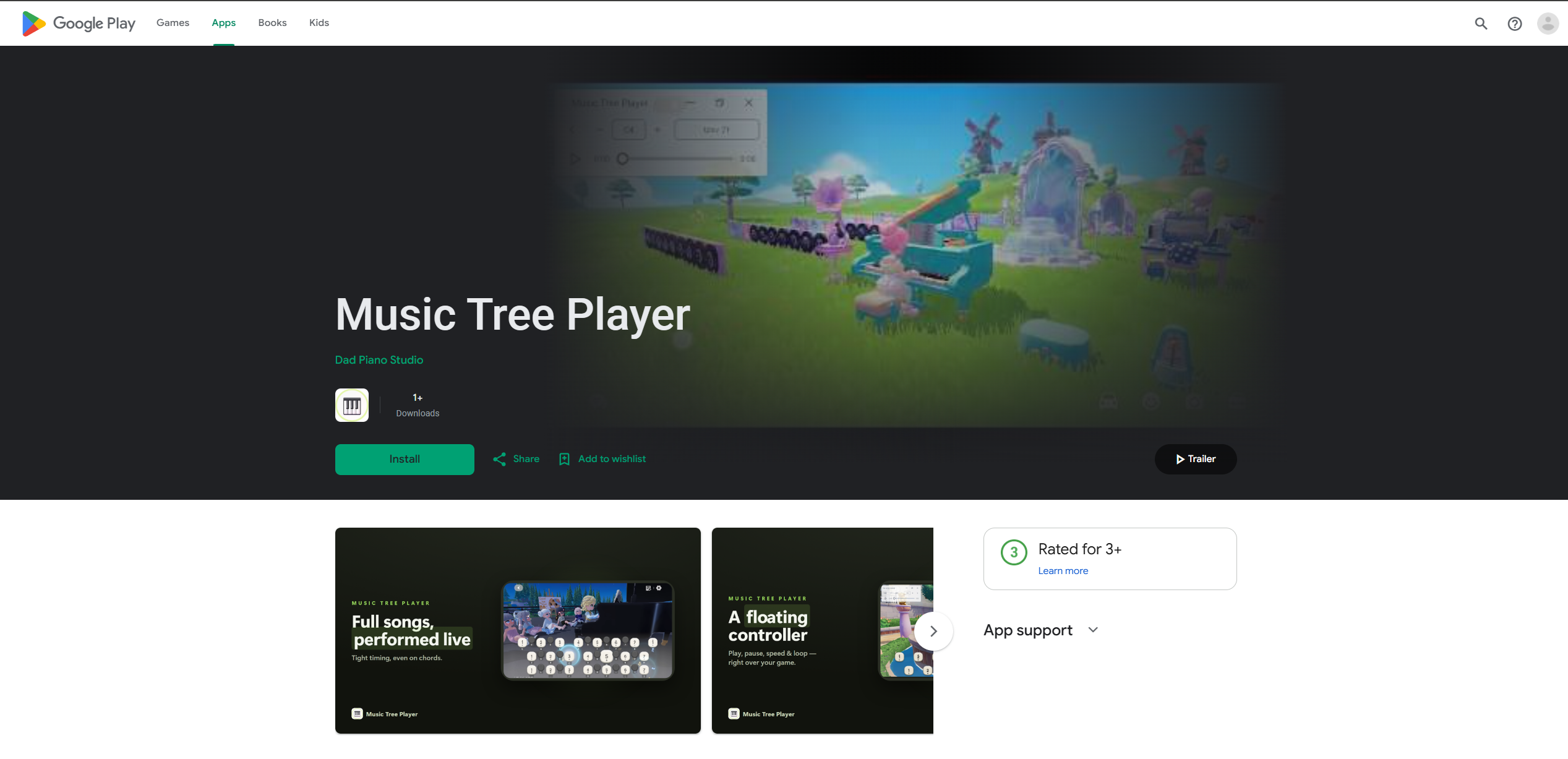
Music Tree Player
▶️ Google Play Store
https://play.google.com/store/apps/details?id=com.dadpiano.musictree&pcampaignid=web_share
🌐 Music Tree Player Website (for PC ver.)
💾 Sample files on SociaBuzz & Ko-fi (Total 4)
https://sociabuzz.com/dad_piano/p/music-tree-player
https://ko-fi.com/s/a1cc590a5b
1. Tutorial 00:00
2. Heartopia 02:50
3. NTE 04:55
4. Identity V 06:27
5. Where Winds Meet 07:50
6. Genshin Impact 08:51
7. SKY CotL 10:28
8. Once Human 11:43
9. Roblox 13:10
10. Undawn 13:44
11. LifeAfter 15:48
💻 PC ver. Tutorial : https://youtu.be/dtyGxgnyJj4
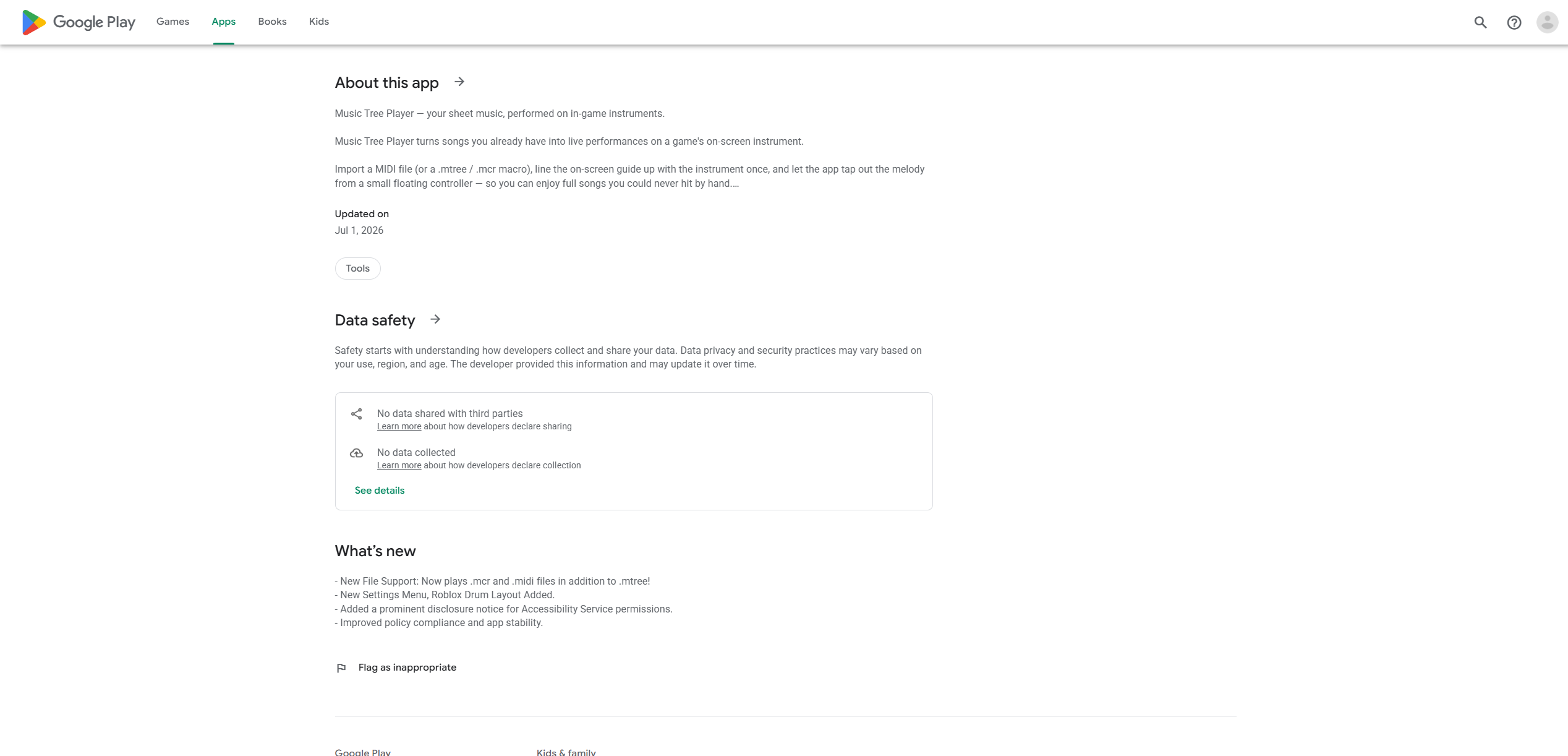
After a long development period, I'm excited to introduce Music Tree Player,
a mobile version of the existing PC macro app, now available on Android!
🛡️ Clean & Lightweight
To let you focus entirely on your music, I’ve removed all unnecessary elements.
There are zero ads, no backdoors, no data collection, and no in-app purchases.
Plus, the app is incredibly light!
📌 NOTE: Due to iOS policy restrictions on macro apps, this release is
Android-only.
━━━━━━━━━━━━━━
✨ v1.6.4 Updated (Latest)
━━━━━━━━━━━━━━
• Fixed song lists being cut off at the sides on some screens
• Ensemble : Sync playback with others using server time.
• Added Roblox acoustic, electric & bass guitars and NTE Guitar.
• Improved song lists and community score access from the floating player.
• Improved experimental Key Hold and playback seeking/resuming
• Floating controller remembers its last position.
• Rename songs directly in Songs. Original files stay unchanged.
• Base key settings are saved separately for each song.
━━━━━━━━━━━━━━━━
✨ v1.5.7 Updated
━━━━━━━━━━━━━━━━
▶️ https://youtu.be/cw5ME4SvKI4
• Refreshed library with piano/drum previews, audio previews & improved tutorial
• Pro: 24 languages, 10 themes, Studio export, cloud backup & community sharing
• Improved purchase recovery, account switching & connection stability
• Account deletion with a 7-day rejoin period
• Experimental Pro Key Hold (off by default)
Core playback remains FREE. Pro is optional.
━━━━━━━━━━━━━━━━
✨ v1.3.7 Updated
━━━━━━━━━━━━━━━━
• Added 3 new sample songs (free download on SociaBuzz & Ko-fi).
• Key Layout Fit now aligns precisely on all screens, including cutout / gesture-bar devices.
• Leaner touch output for drum kits.
• Fixed Fit editor buttons overlapping the top drag handle.
• New Genshin drum layout.
💡 UI Tips:
• To avoid conflicts, please minimize the controller or move it to an empty space so it doesn't overlap with the keyboard.
• If you enable Dark Mode while the controller is active, simply minimize the controller once to apply the changes.
━━━━━━━━━━━━━━━━
📱 For Mobile File Format (.mtree files)
━━━━━━━━━━━━━━━━
• You can play with custom file format called .mtree on mobile.
• The app just launched, so the .mtree library is still growing.
• Want a specific .mtree file? Request it via Youtube comments or email (ipu00@nanaver.com
━━━━━━━━━━━━━━━━
🔧 INSTALLATION GUIDE
━━━━━━━━━━━━━━━━
1. Disable Google Play Protect
2. If installation fails:
→ Go to Settings → Security → Disable Auto Blocker
→ Under "Other Security Settings," allow installation
from unknown sources
3. Download and install the app
━━━━━━━━━━━━━━━━
✅ REQUIRED PERMISSIONS
━━━━━━━━━━━━━━━━
✔ Overlay Permission (for the floating controller)
✔ Accessibility Permission (for auto-clicking)
✔ Allow Restricted Settings:
Accessibility → Installed Apps → Music Tree Auto Player
━━━━━━━━━━━━━━━━
⌨️ HOW TO USE
━━━━━━━━━━━━━━━━
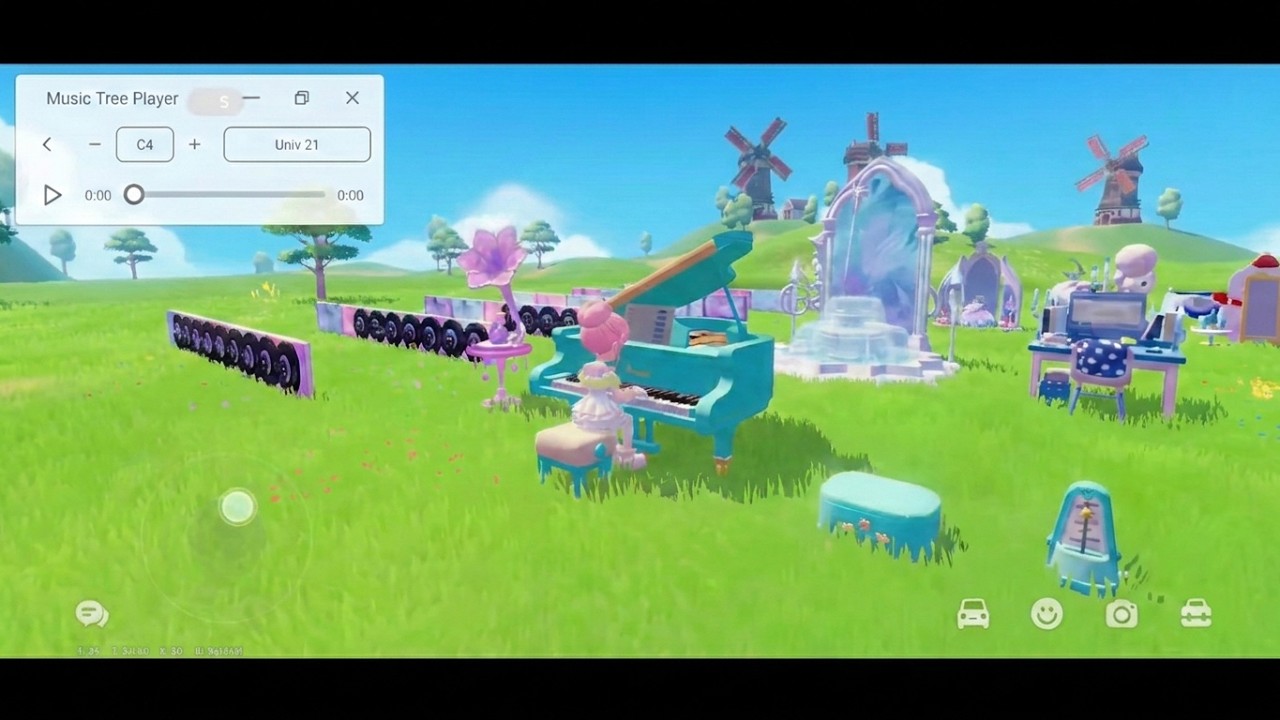
1. Press Play to launch the controller
2. Enter the game and add a song via the top-left of the controller
3. Use the three controller states:
• Minimized – Long-press to Pause / Resume
• Normal
• Maximized – Access full controls
🎚️ CONTROLLER PANELS (Maximized Mode)
• Left Panel: Previous Song | Loop | Next Song | Playback Speed
• Right Panel: Base Key Adjustment | Key Layout Settings
━━━━━━━━━━━━━━━━
🎹 KEY LAYOUT TIPS
━━━━━━━━━━━━━━━━
• Select the keyboard that matches your in-game instrument
• Touch points may vary by device — adjust the layout slightly
if playback sounds off
• Shift the layout left/right depending on the game
• Different game keyboards are cross-compatible
• One sheet music file works across multiple instruments,
including percussion (drums)
⚠️ Known Limitation:
The UD & OH Piano currently has unstable octave-switching logic,
so it is temporarily fixed to the middle octave. This will be
improved in future updates.
Other games not shown in this video may also work, as long as
their keyboard structure matches an available layout.
━━━━━━━━━━━━━━━━
📩 FEEDBACK & SUPPORT
━━━━━━━━━━━━━━━━
This is the first version, so bugs may occur. Thank you for your
patience — continuous updates are planned!
1️⃣ YouTube Comments are always welcome
2️⃣ Email
3️⃣ Discord : dad_piano
Discord channel may be opened in the future if needed.
Feel free to share your feedback anytime!
Thank you for your support! 🙏
#MusicTreePlayer #MobileMacro #AutoPlay #AndroidApp #MusicTree #MtreeFile #dad_piano
- Moonlike Smile 37keys.mtree 15.81 KB
- canon 15 keys sample.mtree 14.20 KB
- drum sample.mtree 14.54 KB
- Fur Elise sample 36 keys.mtree 12.55 KB
How to Access
- Click “Buy” button
- Instantly receive access information in your email

dad_piano
Playing in LA, UD, GI, IDV, OH, SKY, RB, VRChat, NK, WWM, HTP, NTE, WuWa, Petit Planet, Animula Nook
More from

The Sunleth Waterscape (FF XIII)
Happy Halloween
Cheerleader (Omi)
